Menu
Game
Temporal Stasis
Complete
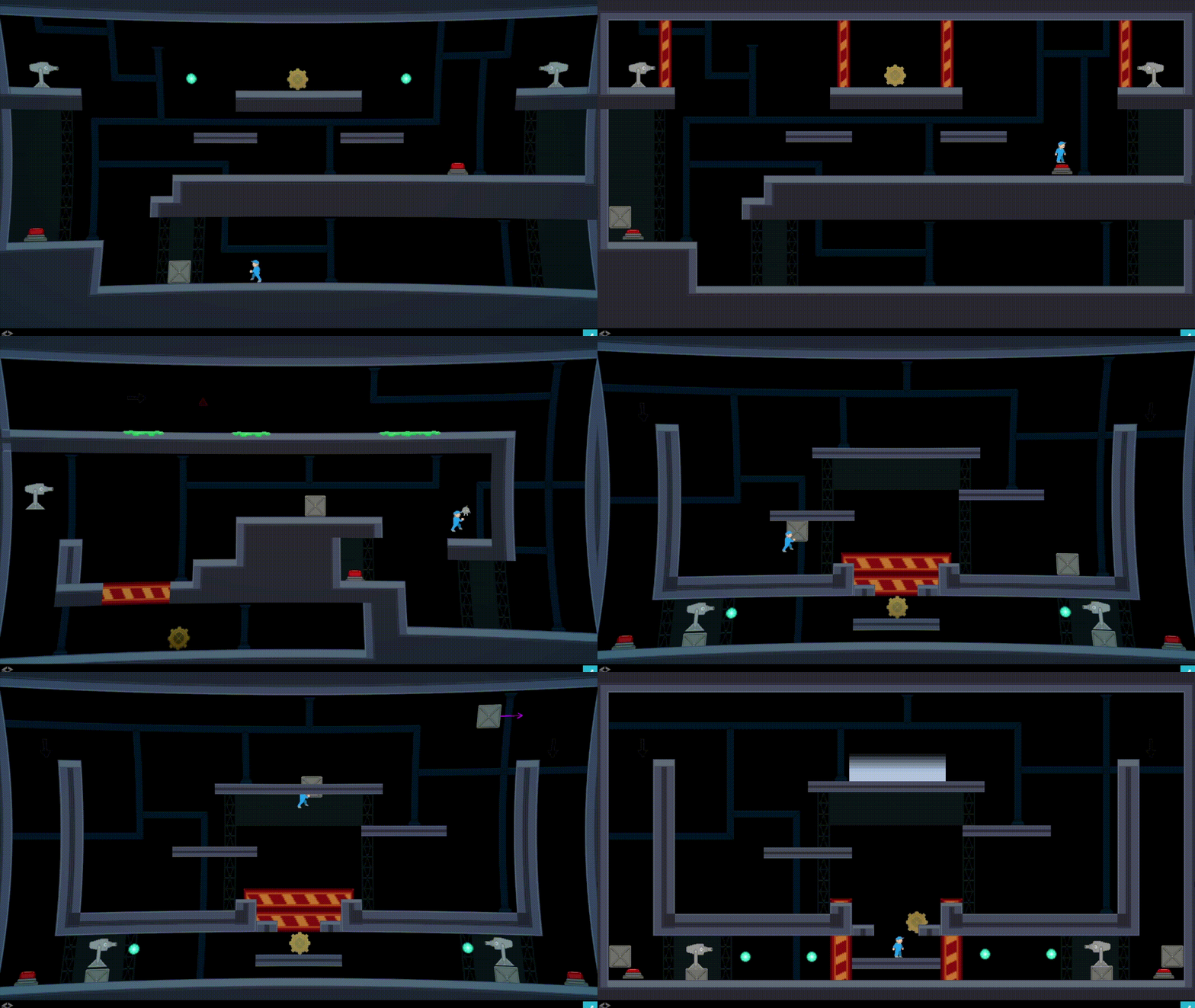
A 2D puzzle platformer built for the Game I/O 2026 game jam centered around solving puzzles while time is stopped.
Jam Goals and Intro
Temporal Stasis was developed during the 2026 Game I/O game jam at Ohio State. The team had two weeks to ideate, prototype, and ship a playable build around the prompt: “Can Time be stopped?”
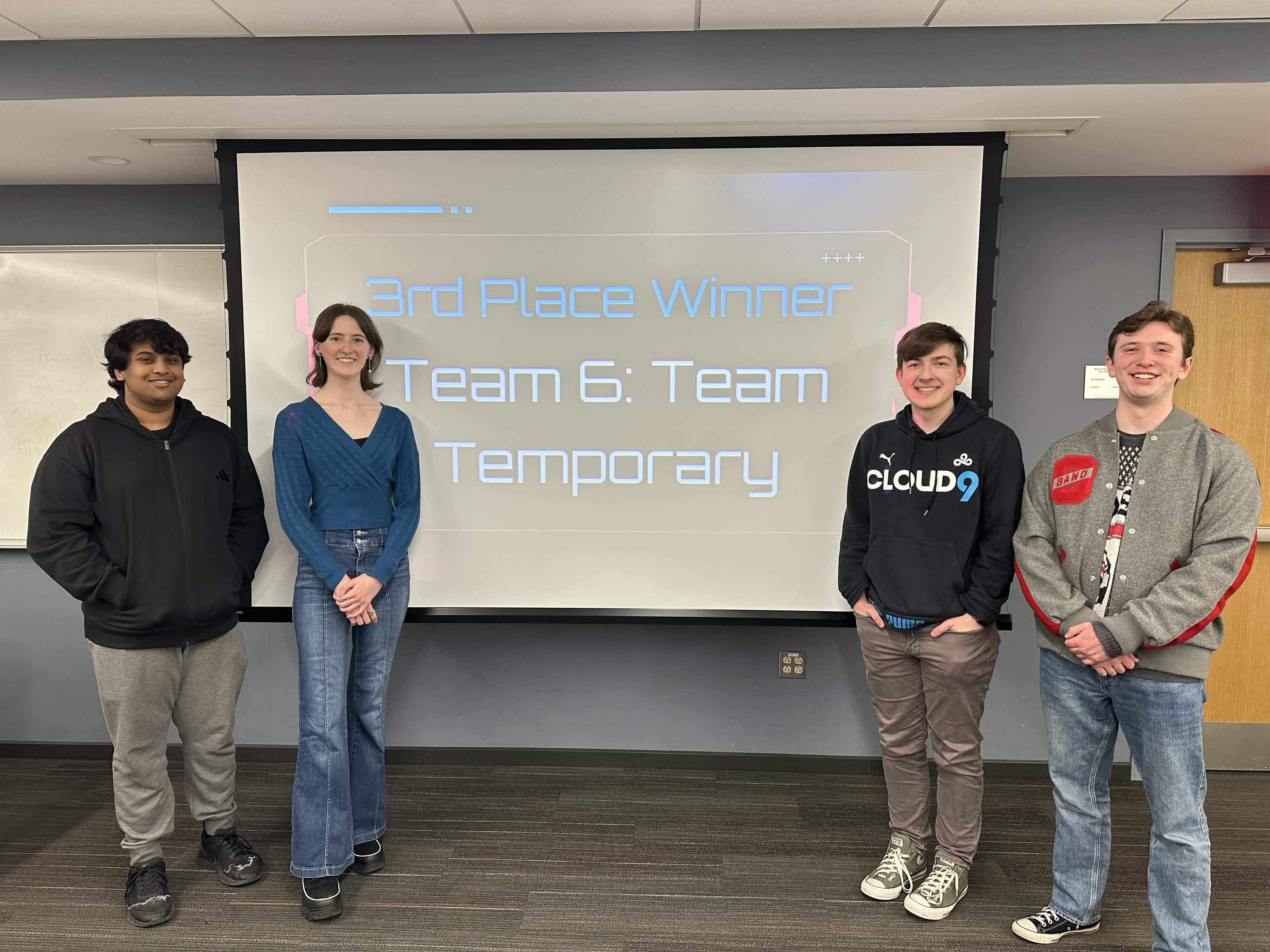
Prior to this game jam, I didn’t think I was ready to create a game in two weeks. But when the opportunity presented itself, I took it. I went into the jam with goals to learn more about using Unity, create a finished, playable game in a short time frame, and try to involve myself with more than just the programming part of the development process. By the end, I achieved all these goals — completing a finished game in a short time frame, involving myself with level design and visual effects as well as programming, and ultimately winning 3rd place at the end of the jam.
The Early Stages
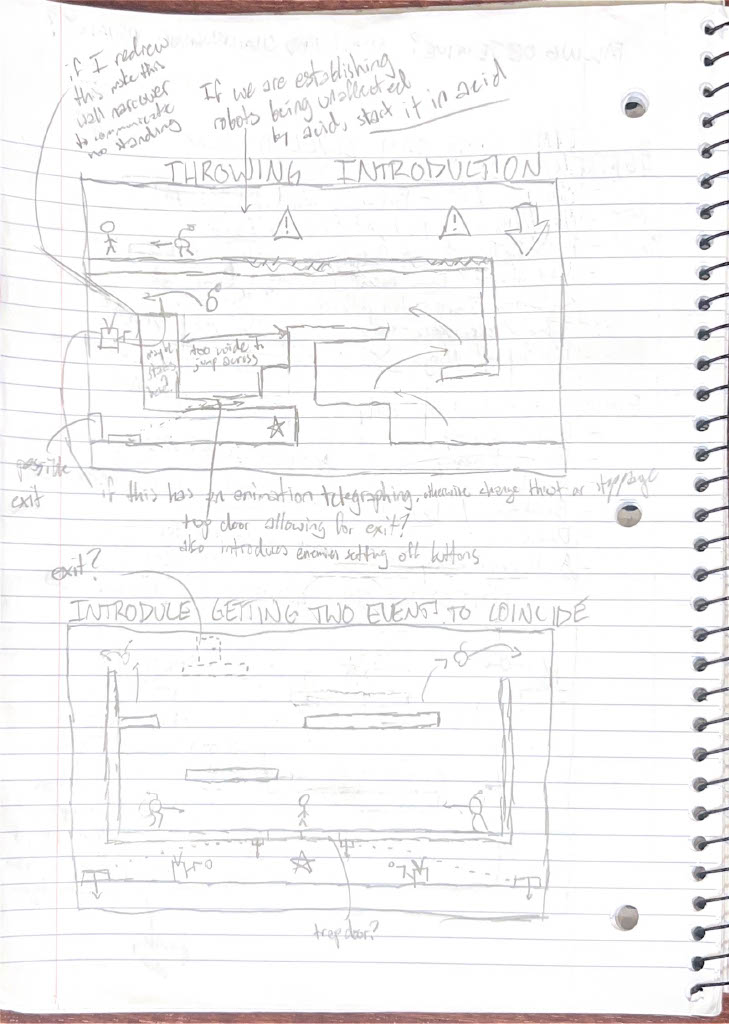
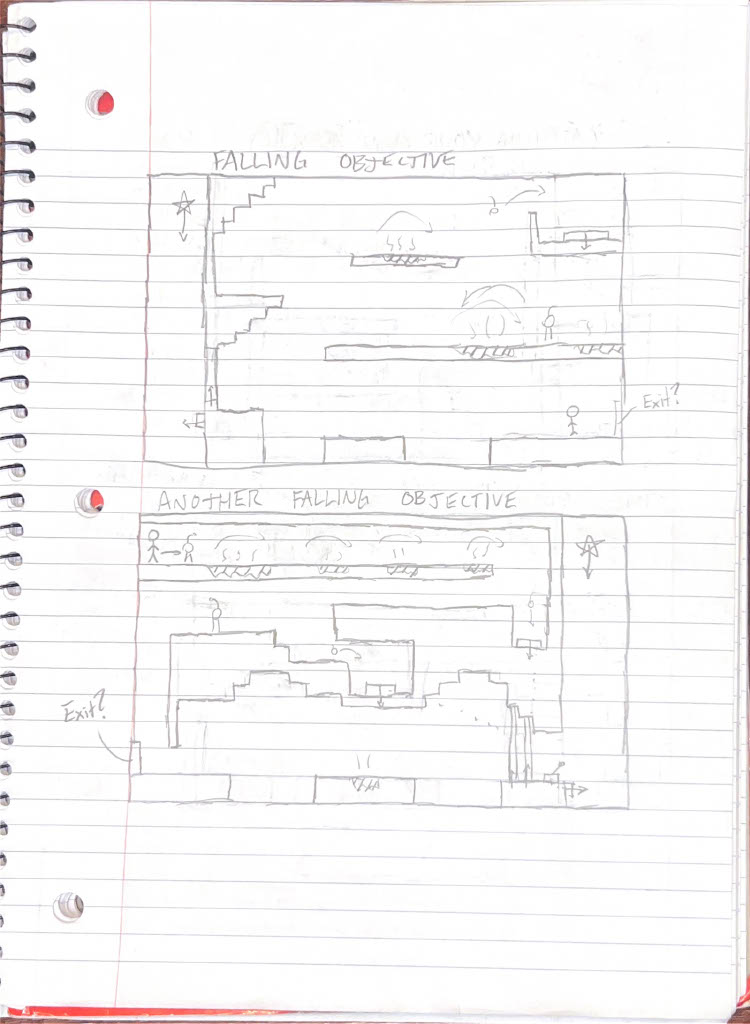
Our team decided to spend the first two days ideating, talking about game concepts and themes. After much deliberating, we decided a puzzle game made use of time well, and that we’d theme it around a mechanic fixing his broken time machine. We then began prototyping player movement, and I designed some early levels on scratch paper to help guide us through the development process.
After I had some level design prototypes I was happy with, I switched to the programming side of things, creating features like time stopping, enemies, and carryable and throwable objects. With these features implemented, we now had the skeleton of a game and could begin creating levels in Unity.
Branching Out (Visual Effects)
While I’d already branched out somewhat by creating level designs, with some of the programming done I decided to turn to another unfamiliar territory: visual effects. We’d talked early on about what time stopping would look like, and wanted it to make the game more engaging without distracting from gameplay. I decided a good way to show that time was stopped was to apply a blue vignette to the screen and distort the lens slightly, both of which were done using Unity post processing effects.
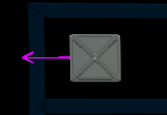
Our artist Lily Scheerer did an excellent job making interactable objects stand out in the levels, but I had a few ideas for effects that could build on the art we already had. First, I wanted the interactable objects to feel more interactive to the player, primarily the throwable objects. To do this, I learned how to highlight throwable objects when the player was able to interact with them, and draw a vector to show where objects would go when time began again.
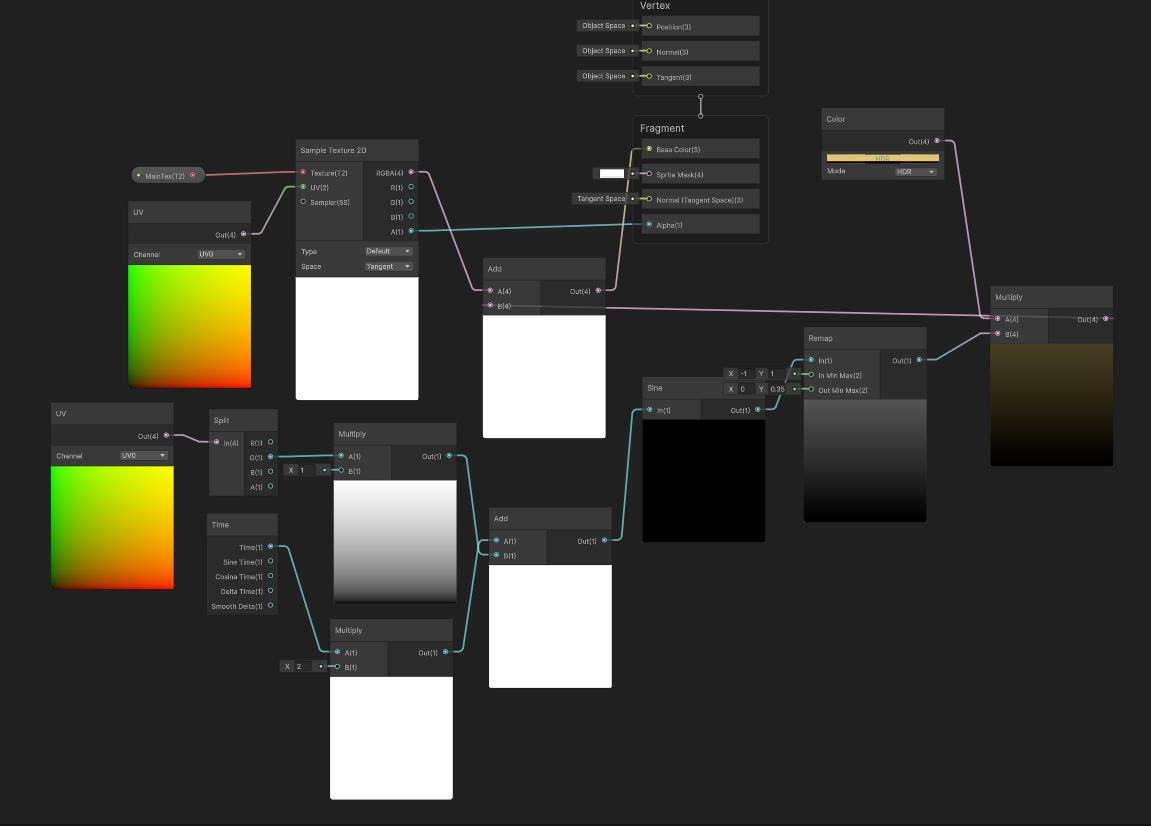
The other main effect I added was a shader to the collectible part to make it shimmer and capture the player’s attention more. It already stood out due to its color, but giving it a shimmer would give it more motion and make it feel more important as an objective. To create this effect, I learned about Unity shader graphs, and got to play around with how to make an effect change over time, vary in size, and move from top to bottom. This process was completely new to me and very interesting, and I intend to use shader graphs in future projects much more.

Crunch Time
Going into the second week of development, progress slowed down due to extracurriculars and exams. With a concert, a midterm exam, and a quiz, on top of attending my regular classes, fitting in time to work on the game become more of a challenge. However, we continued to chip away at it throughout the week in between study sessions, and planned to devote most of our weekend to the project once more of our schoolwork was out of the way.
Over the final weekend, we kicked it into high gear to get the game ready for submission on Monday night. Level designs were reworked, animations were tweaked, and many, many bugs were found and fixed. In the end, as in most game jams, sacrifices had to be made. Some features that we’d already spent time developing had to be cut due to time. As the deadline approached, more and more time was spent encountering and fixing bugs than adding any additional content to the game. But, by Monday night, after many long hours of work, the game was fully playable and, at least to us, seemed pretty fun.
Design Outcomes and Learnings
In the end, many attendees played our game and enjoyed it, willing to put in the effort to reach the ending and solve all our puzzles. However, we also learned that some levels were less intuitive than we expected, and some hazards were more treacherous for players than they had been for us. Playtesting should always be a very significant piece of development, but time constraints and tight schedules led us to doing much of the playtesting ourselves. Attendees seemed to enjoy our game, but if we’d spent more time playtesting we could have caught more of the spots players got stuck on.
After grading our games based on art, design, theme, and fun, the judges awarded us 3rd place, confirming that our efforts had been worth it. It was exciting to place highly, but in the end I felt much more gratified by the experience I’d gained, and the ideas I could pursue with my new knowledge. I’d met my goals, and learned much about time management, what Unity is capable of, and the extremely essential nature of repeated playtesting throughout development. This Jam felt like a great success, and left me excited to compete in my next one!